Memorials
Online memorials
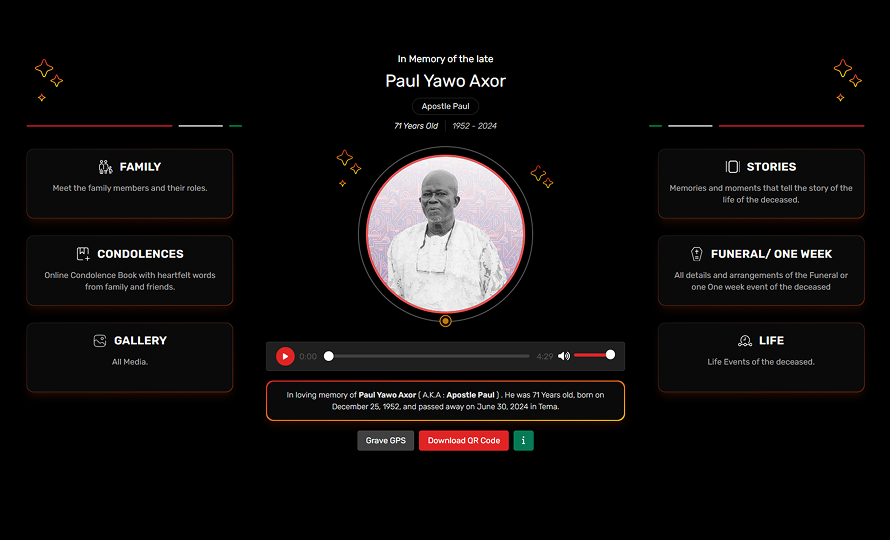
A dignified, shareable page for the departed — portrait, life story, audio tribute and a QR code for printed materials.

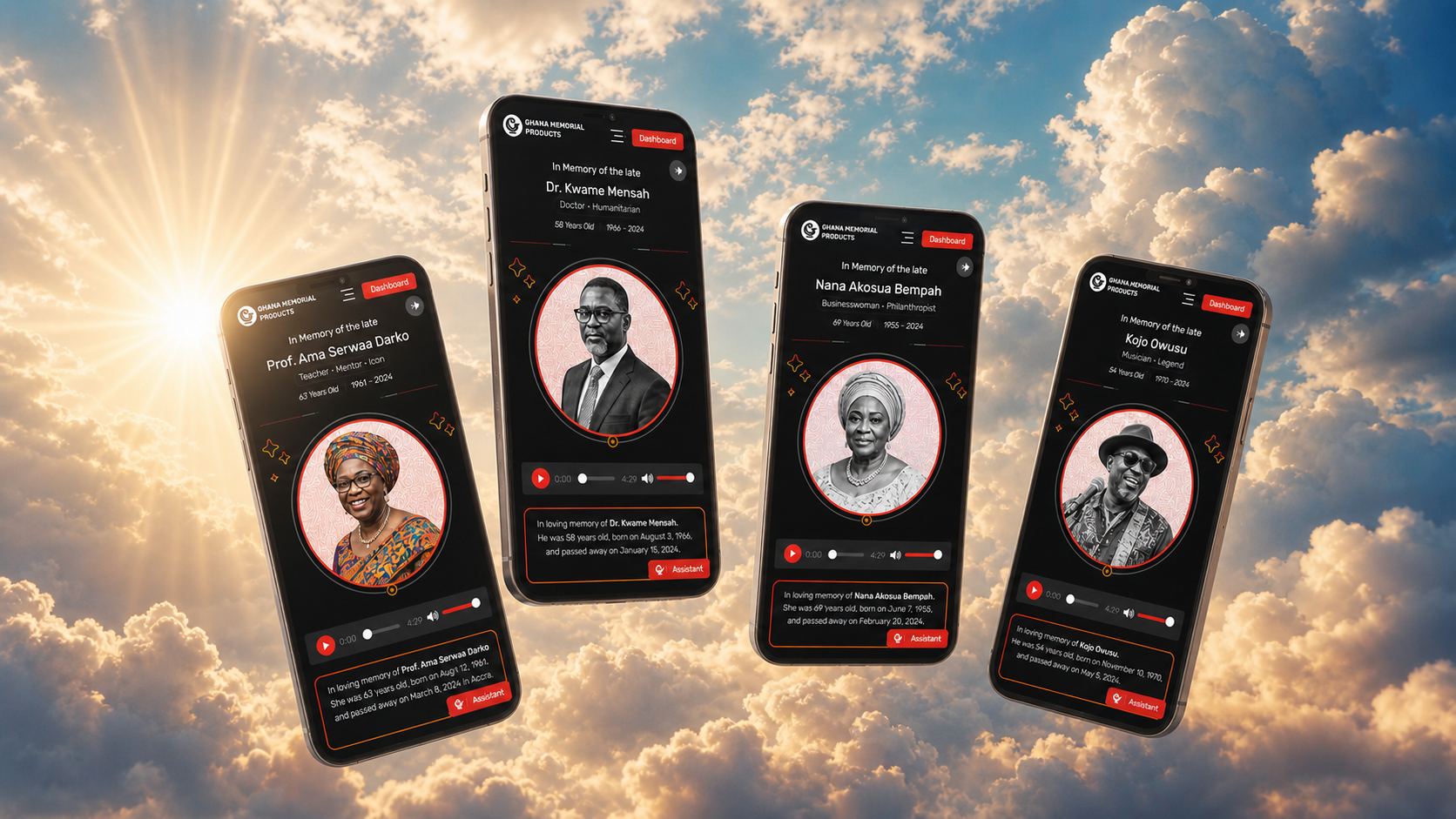
A short, guided setup — from your invitation email to embedding memorials, including a condolence register and donations on your own website.
Everything runs under your domain and your brand colours — a natural part of your website, not a third-party widget.
A dignified, shareable page for the departed — portrait, life story, audio tribute and a QR code for printed materials.
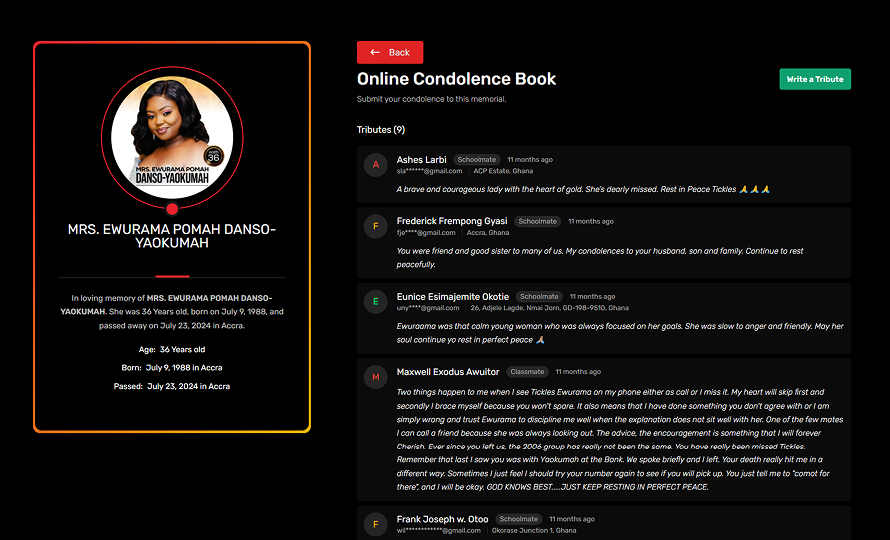
One of the main sections of the Ghana Memorial, an online register where friends and family can leave a tribute and share a memory from anywhere in the world.
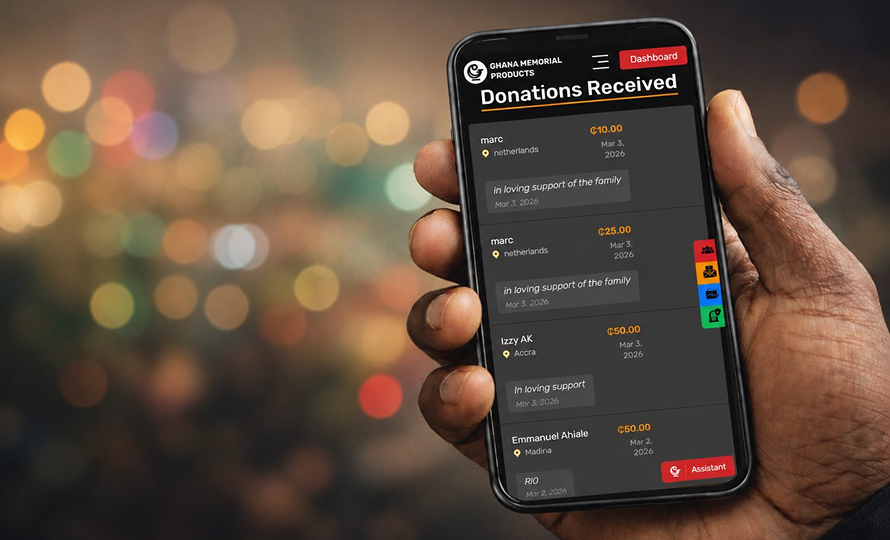
The memorial contains the possibility to activate a donation link. The family can secure contributions towards funeral costs, collected from supporters across the diaspora.
Based on the GMP partner workflow. Your account is created for you — you take it from the email onward.
Partner FAQThe Remembers Group team creates your partner account. You get an email with a temporary password that works for both the main portal and the Partner portal.
 Ghana Memorial Products
Click “Login to your account” in the email. You’re taken to the Partner portal with your username and password already filled in.
In the Partner portal, register your root domain only — for example examplewebsite.com, not a full path. Add more than one domain if you publish memorials on several sites.

Choose a light or dark theme and set the memorial card, memorial details and family colours to match your website — so the embedded pages feel like a natural part of your own brand.

Create a page on your own website — for example www.yourwebsite.com/memorials — as the destination for the memorials of your customers. This is where the connected memorials will appear. We can guide you, but you or your web developer create this page.
Copy the embed snippet from the portal and paste it into your destination page. Once the code is in place the memorials load automatically — including the online condolence book and donation link, live under your own domain.

Day to day, the Partner portal gives you everything you need — track your performance and publish memorials for the customers you work with.
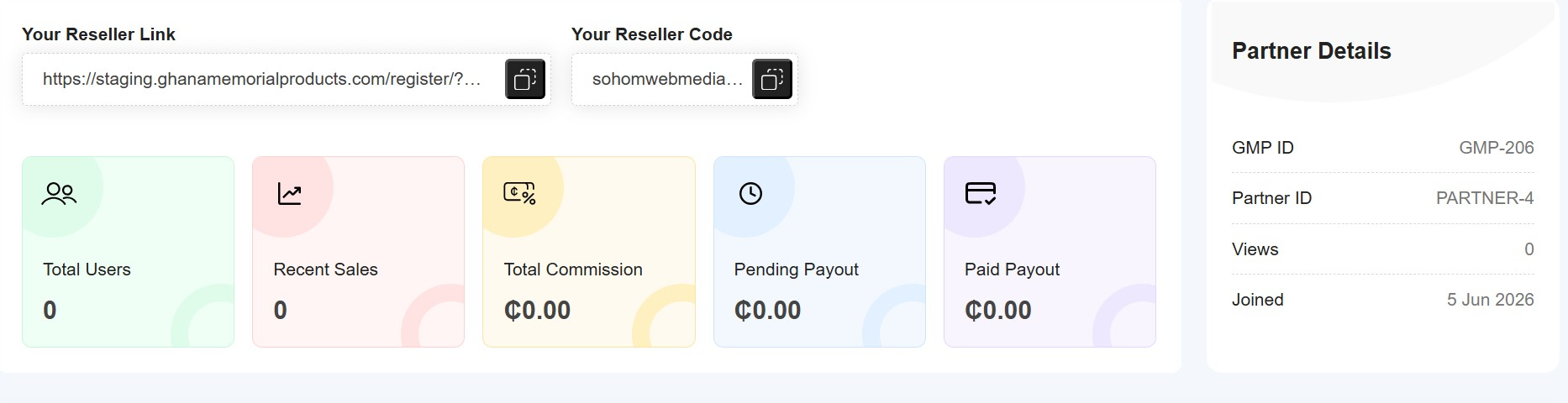
On the Referral dashboard you follow your reseller link and code, total users, recent sales, total commission and pending or paid payouts — all at a glance, alongside your partner details.
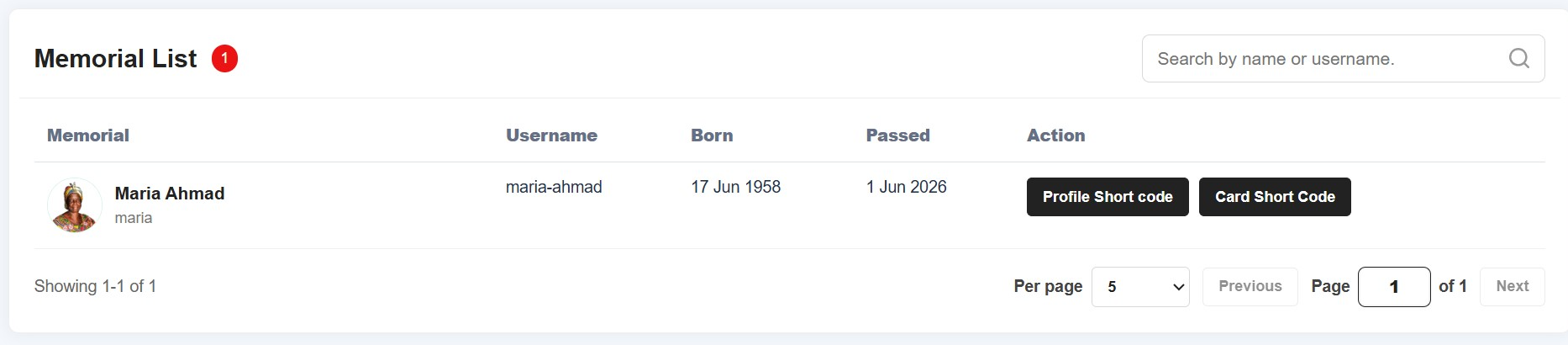
From the Memorial list you add a memorial and copy its Profile short code or Card short code — so you can publish it on a client’s own or desired website (eg the website of their Church),
Answers for partners are kept together as a dedicated Partners category in the general FAQ, inside the Support section of the Ghana Memorial Products website.
Open the Partner FAQNeed help getting started?
Your Remembers Group representative is a message away.
Hello! How can I assist you today?
 Assistant